Make Switches Quiet Again
I recently upgraded to 2.5 gigabit managed switches for my home network. That's mostly been a straightforward process - I was swapping a TP-Link TL-SG2016P for a TP-Link SG3218XP-M2: both switches have 16 ports (8 ports POE+), but the SG3218XP-M2 swaps out the 1 gigabit ports for 2.5 gigabit ports, and adds 2x 10 gigabit SFP ports for fiber connections.
As I have a disturbingly large home network, I bought 3 of these switches so that I could plug everything into a 2.5g port and use the 10g ports for interconnects between the switches themselves. Each switch is in a different cupboard/closet in the house, with one of them being in the home theater closet and another in the bedroom closet. If they're noisy, they're annoying.
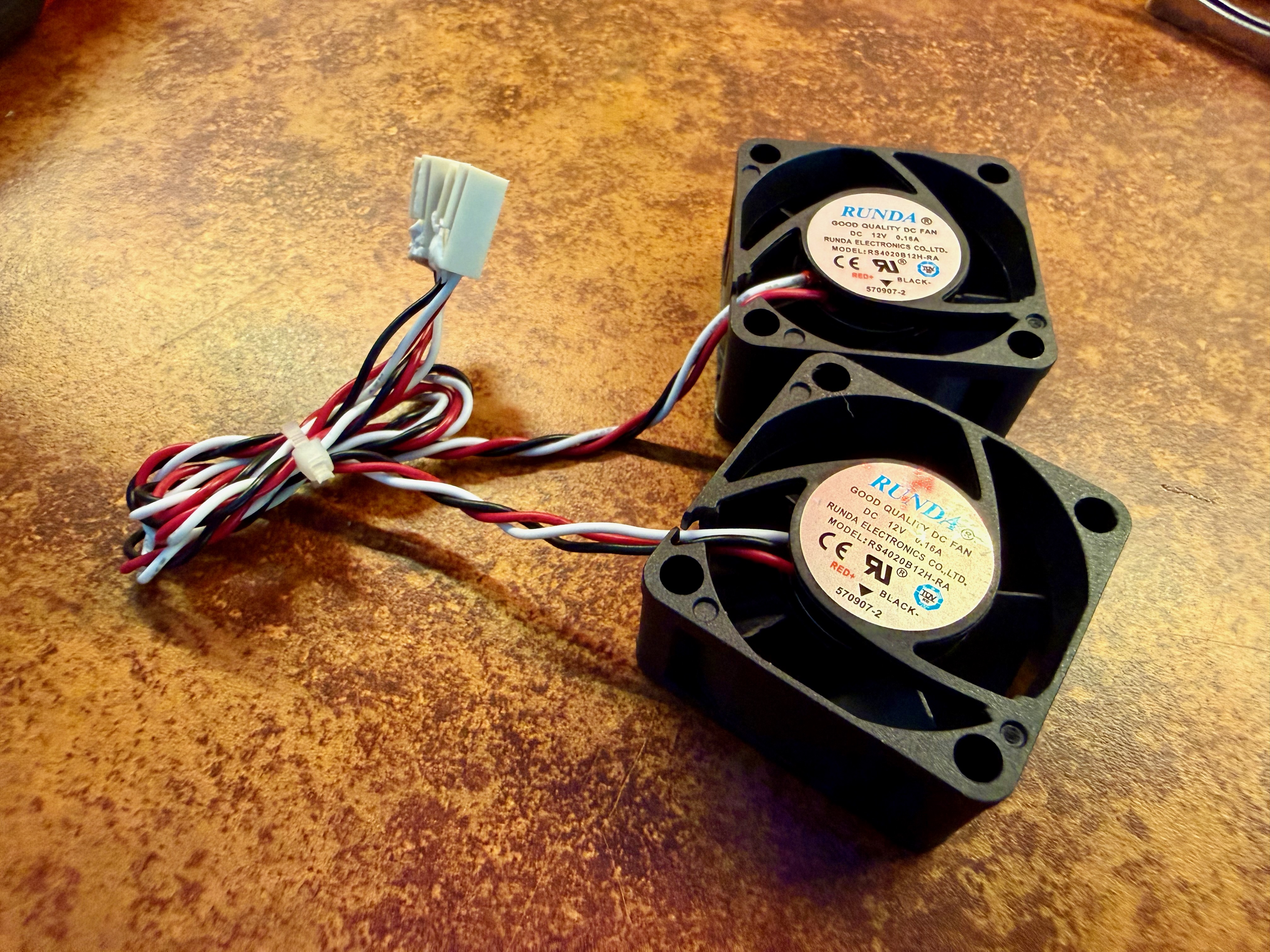
And noisy they are. It's my first time owning switches that make noise that can be heard from more than a few feet away. The noise all comes from a couple of tiny 40mm fans. When the switch powers up, they run at full throttle, which I measured at about 50db. After a minute or so it calms down to about 40db, but that's still actually quite annoying, and far louder than anything else in the rack
Swapping the fan is easy
Thankfully it's pretty easy to solve this. Noctua make these lovely silent 40mm fans that are perfect for the job. They're a straight swap and the process is straightforward. I used these tools:
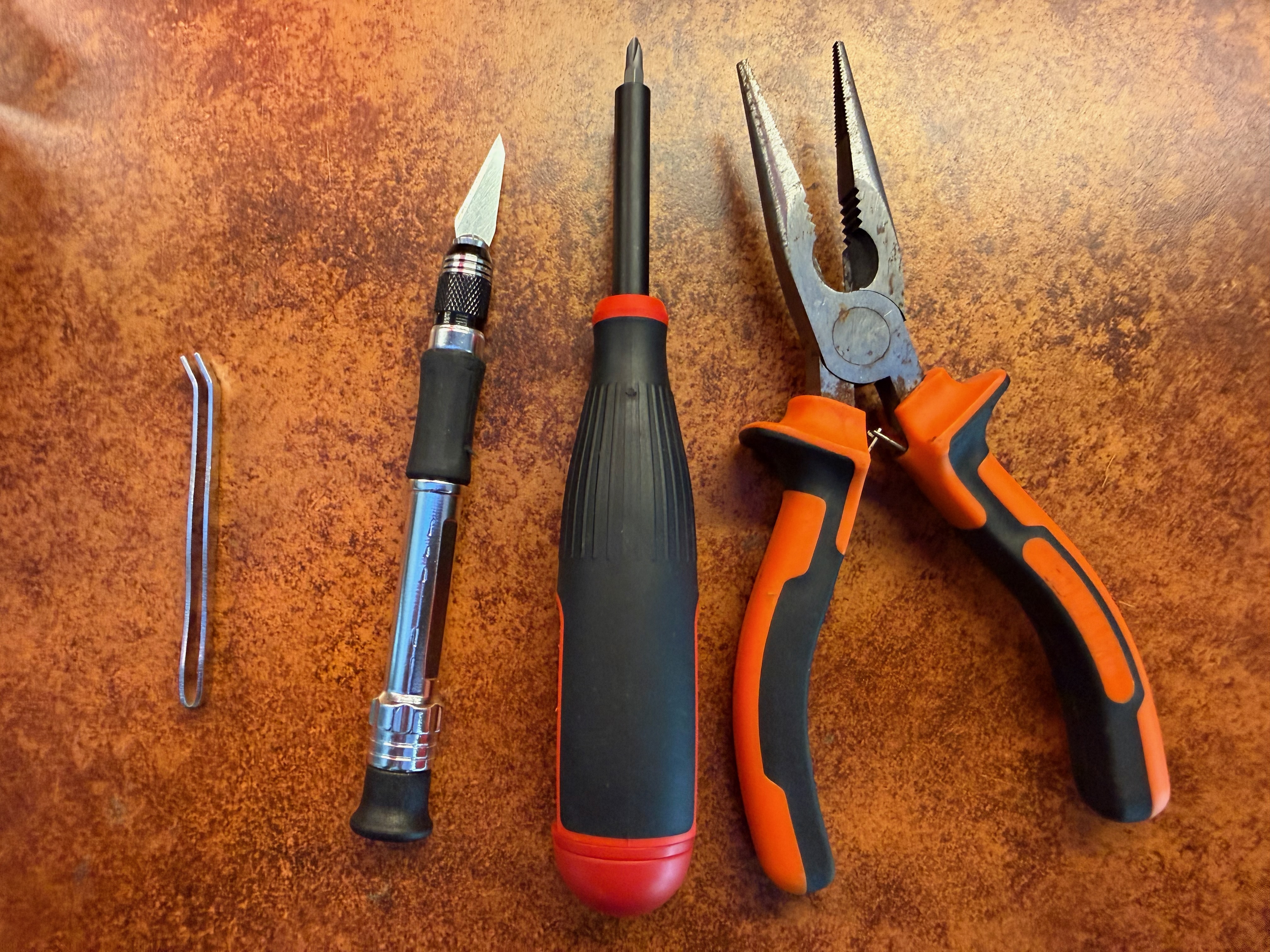
You don't need to use these exact tools but here are links to the ones I have. The hobby knife set is a bit of a steal at < $10, and the set came with the little tweezers pictured above, which were useful when putting the washers back on the machine screws:
- Basic pliers ($9)
- Cheap hobby knife ($9)
- Megapro precision screwdriver ($38)
The best hardware setup for software engineers
When I'm writing software I usually have the following windows open, all at the same time:
- 2 column layout VS Code (window = 2560 x 2160)
- A fullscreen-equivalent browser with usable console to see what I'm working on (window = 1920 x 2160)
- A large terminal window (window = 2560 x 1440)
- Chat GPT (window = 2560 x 1440)
- A full-screen browser with all the stuff I'm researching (window = 2560 x 2880)
I find tabbing between windows to be a great destroyer of productivity, so I've spent a good deal of time and money over the last few years iterating on a hardware setup that lets me see everything at once. Today, it looks like this:
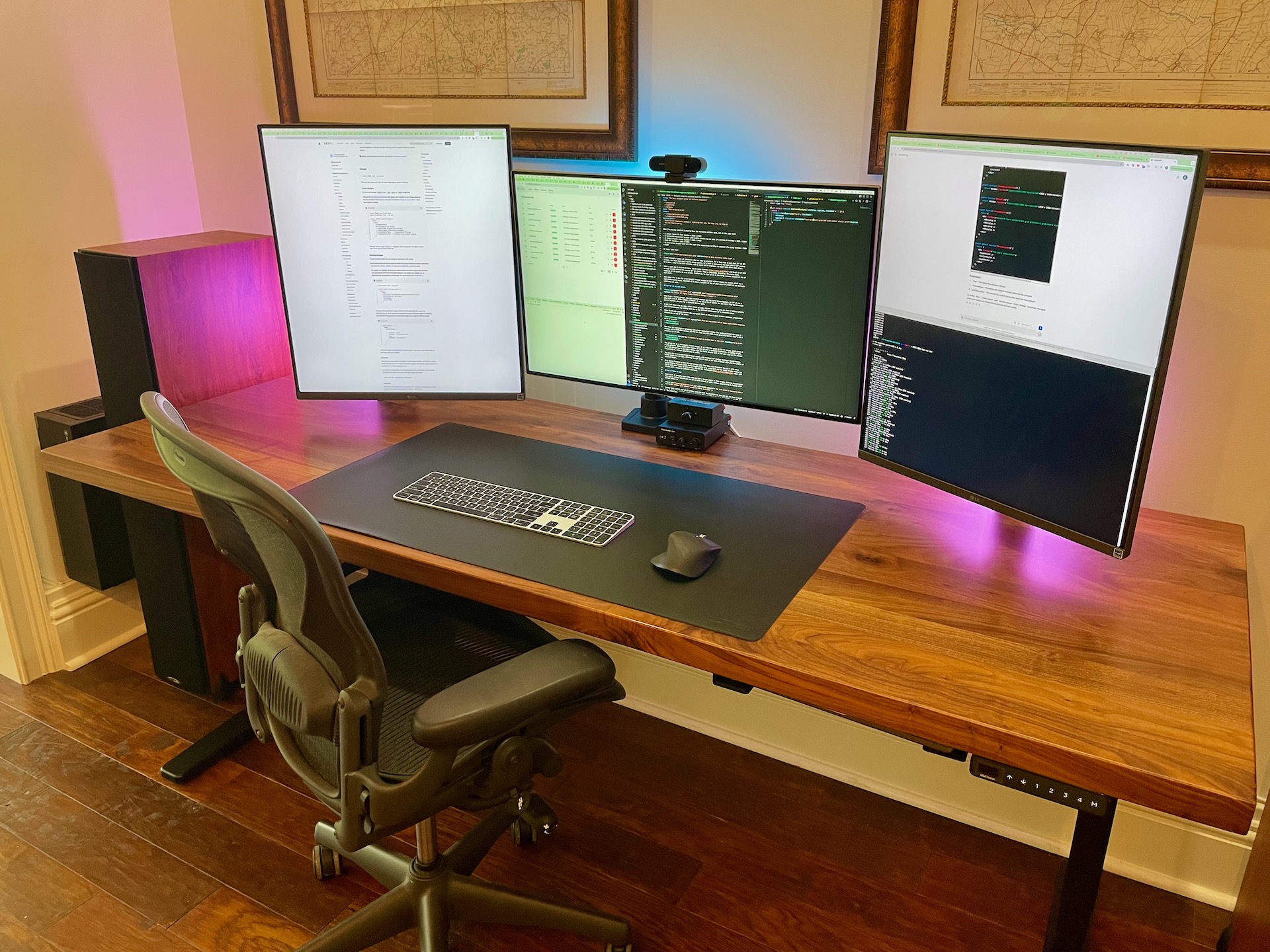
I went through a number of iterations when it comes to monitors. For a long time I used dual 32" 4K IPS screens, but even that wasn't quite enough pixels. It's hard to physically fit more than 2 32" screens on a desk - they're too wide already, and it would not be ergonomic to mount them above each other.